Three inputs. One ready-to-edit lesson.
Tell educato2ai your grade level, subject, and learning goal. The AI drafts a complete lesson structure. You edit what needs your judgment and ignore what doesn't.
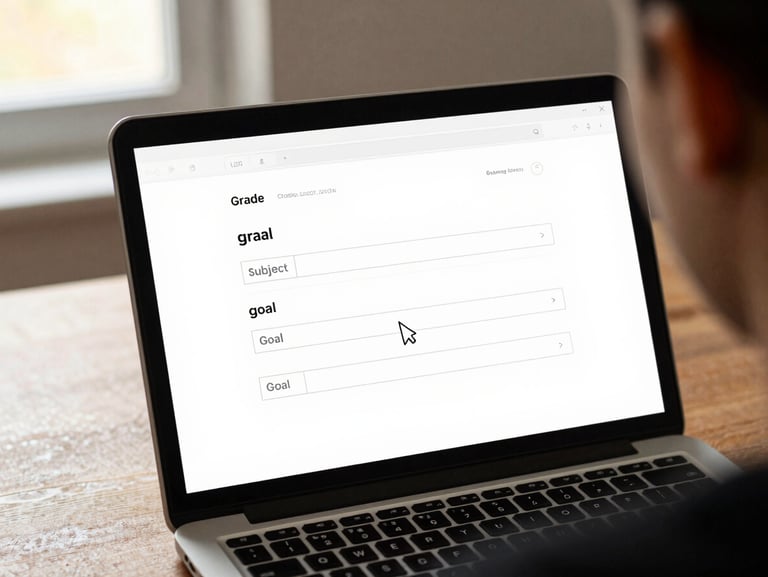


From blank screen to usable draft
Grade level, subject, and the specific learning goal for the session. No account needed — you can run a full draft before you ever hand over an email address.
Review a full draft instantly
PlanDesk returns a structured lesson — objectives, activities, and an assessment scaffold. Every section is editable. Nothing is locked. Your pedagogical call stays yours.
Export, save, or keep drafting
Download the lesson as a document, save it to your account, or keep refining with follow-up prompts. The draft fits your class — not a hypothetical average one.
Questions worth asking first
Does it work for my grade level?
Do I need an account to start?
PlanDesk scaffolds content from kindergarten through grade 12 and adult learner settings. You specify the level; the output matches it — vocabulary, pacing, and complexity included.
No. Your first full draft runs without an account. Sign up only when you want to save, export, or return to previous lessons.
How long does a draft actually take?
What if the draft misses the mark?
Edit it directly or add a follow-up prompt to tighten the focus. The draft is a working document, not a locked output — your edits are always the final word.
Under two minutes from inputs to a complete lesson structure. Most educators spend more time reading the draft than the tool spends generating it.